Create polished forms, surveys, quizzes, and lead-generation flows with AI assistance, unlimited static responses, and the flexibility to make every interaction feel like your brand.
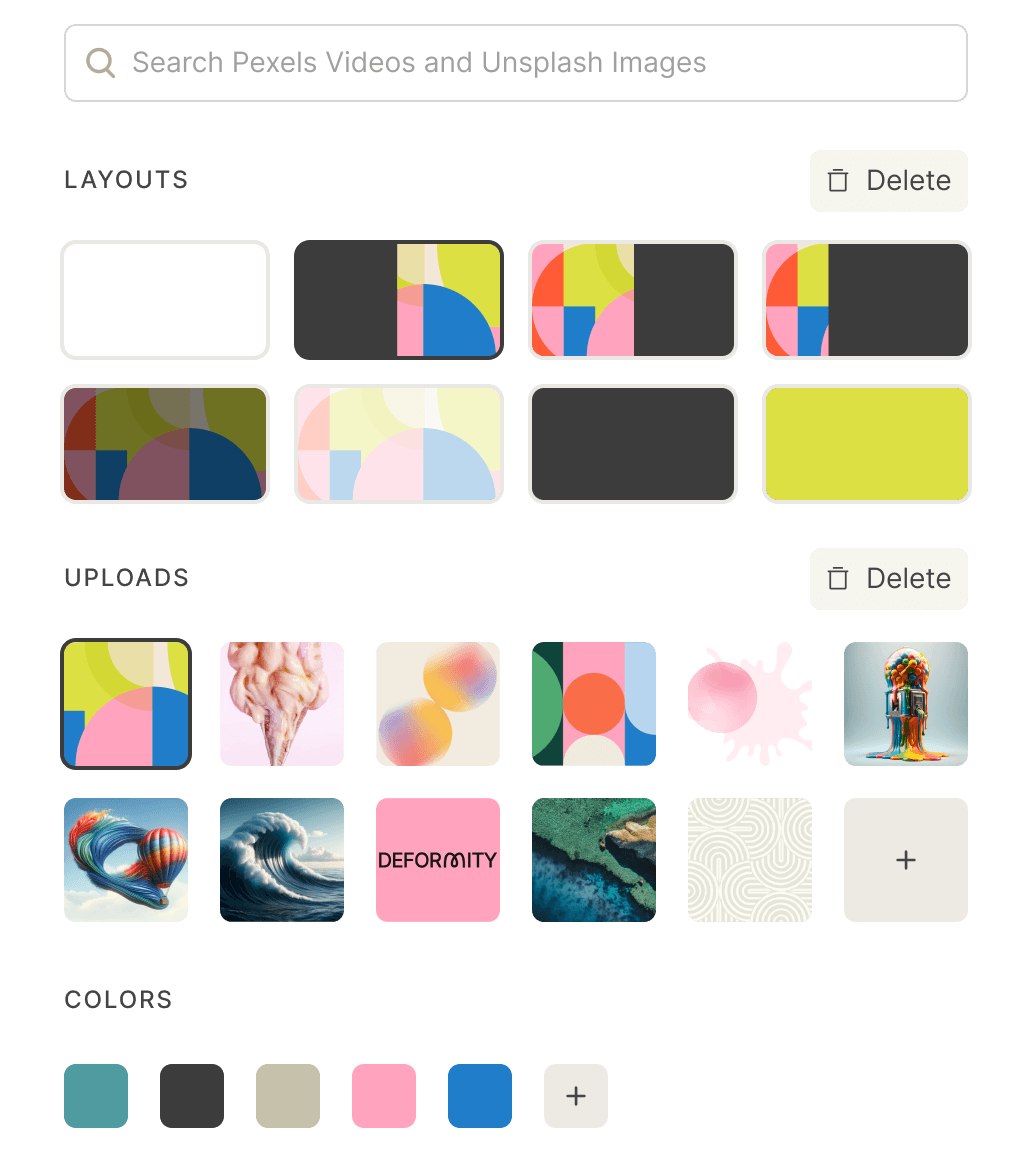
Choose a layout, add images, and set your colors in Deformity’s design controls. Preview the result before publishing, then share a form that fits your website or campaign.
Want to try the respondent experience? Open the live demo below and use sample answers to explore it.
Layout, media, and color controls in the form designer.
What is included in the free form builder?
Start with unlimited forms and unlimited static responses. AI conversations have a separate allowance; reaching it does not stop you collecting static answers. Usage is subject to our fair use policy.
Forms and static responses
Unlimited on Free. Build contact forms, registrations, and feedback flows without a static response cap.
AI conversations
Free includes 100 AI-powered respondent conversations. After that allowance, forms can continue collecting static responses. Builder AI editing is counted separately.
Design, logic, and sharing
Custom fonts, colors, and images, conditional logic, links, and website embeds are included.
Connecting your workflow
Google Sheets, webhooks, and the External API are available on Free.
Paid branding options
Upgrade for your own logo, custom domains, and removal of Deformity branding.
A free form should handle the job you came to do. Deformity includes more than a text box and a submit button: you can collect structured answers, personalize the flow, and send the results into your existing tools.
Ask the right kind of question
Use email, phone, date, multiple choice, checkboxes, ratings, rankings, or open text. For an event signup, offer session choices instead of making people type a session name. For feedback, pair a rating with a short explanation.
Conditional logic lets you take different paths through the form. Ask attendees whether they need an invoice, then collect billing details only from those who do. Test both answers before sharing the form.
Use hidden values to record a campaign source, or prefill an answer you already know. Reuse an earlier answer in later question text with variables. Hidden values help with attribution; they are not a place to store passwords or secrets.
Accept supporting documents up to 10MB per file on Free, add a signature field, or connect Stripe for payments. Free-plan payments carry a 10% Deformity platform fee plus Stripe processing fees; Pro removes the platform fee.
Sync responses to Google Sheets, connect apps through Zapier, or send a webhook to your own workflow. For example, collect a workshop registration and keep the attendee list in a spreadsheet instead of copying each response manually.
Open Insights to review completion metrics and the question flow funnel. Export responses from Conversations as CSV when you need a spreadsheet. If people stop at one question, check whether it is unclear, too personal, or unnecessary before adding more fields.
When can you stay free—and when should you upgrade?
Stay on Free for a contact form, event registration, feedback survey, or other workflow that uses standard branding and static answers. More static submissions alone do not require an upgrade. Unlimited usage remains subject to fair use.
The free plan includes 100 AI-powered respondent conversations. Once that allowance is used, forms can continue collecting static responses. AI-assisted builder editing has a separate limit of 5 messages per form; manual editing remains available. These are different limits for different parts of the product.
Consider Pro when you need a custom domain, your own logo, removal of Deformity branding, more AI conversations, or team collaboration. Payment volume is another reason to compare plans: weigh the Free platform fee against the subscription cost for your expected sales.
Keep your form simple—and your respondents informed
Before publishing, decide why you need each answer. A newsletter waitlist may need only an email address; a project inquiry may also need scope and timing. Tell respondents how you plan to use their information, and avoid asking for details you will not use.
Deformity’s privacy policy explains how form data is handled. As the form creator, you decide how long to keep responses in your account and can delete them. Respondents should contact the creator about their submitted answers. Review your form’s own privacy notice alongside the service policy.
Yes. Create unlimited forms and collect unlimited static responses for free, subject to fair use. AI conversations have a separate allowance. Paid options add custom domains, your own logo, and removal of Deformity branding.
What can I use an online form builder for?
Create contact forms, lead-generation forms, surveys, quizzes, applications, registrations, feedback forms, and payment flows without writing code.
Can I create a form with AI?
Yes. Deformity can turn a plain-language description into a form, then you can edit the questions, design, logic, and publishing settings before sharing it.
Can I embed a Deformity form on my website?
Yes. Publish by link or embed the form into your website, campaign, or product experience while keeping the design aligned with your brand.
Do people need a Deformity account to answer my form?
No. Respondents can open your published form link and answer it without creating a Deformity account. You need an account to build and manage the form. Preview the public link before sending it to your audience.
Can I collect payments and files on Free?
Yes. Free supports uploads up to 10MB per file and Stripe payment collection. Stripe processing fees and the Deformity platform fee apply to Free payments. Pro removes the platform fee and offers higher file-upload limits; check pricing before launching a paid registration or order form.
Can I remove the Deformity logo for free?
No. Removing Deformity branding, adding your own logo, and using a custom domain are paid features. Free still lets you customize fonts, colors, and images and embed the form on your website.
What happens when my AI allowance runs out?
Your forms can continue collecting static answers after the included respondent AI allowance is used. Builder AI editing has its own allowance. You can edit manually on Free or compare paid plans for more AI usage.
Put your next form to work.
Start with a free account, review your questions, and publish when you are ready. Unlimited static responses are included.